Your team. Supercharged by AI.
Microsoft Copilot is built into the tools your team already uses every day. Coast Techs helps businesses get it set up, secured, and working from day one. No disruption, no steep learning curve, no guesswork.
Think of it as a brilliant assistant who already knows your business.
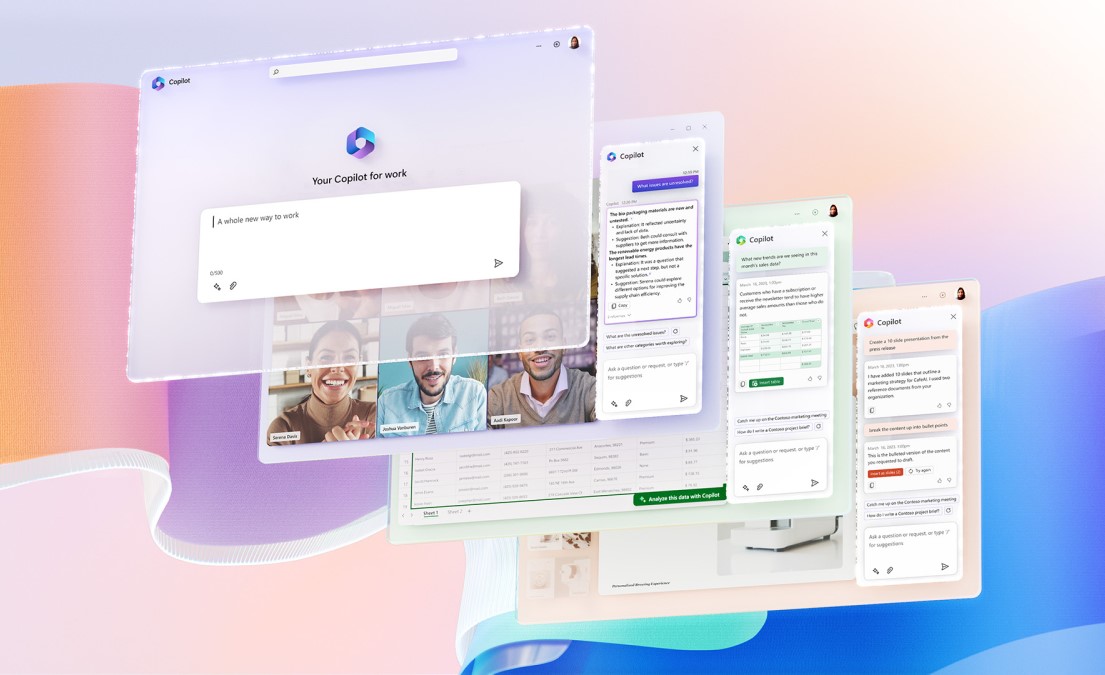
Microsoft Copilot is an AI assistant embedded directly inside Microsoft 365 - Word, Excel, Outlook, Teams, PowerPoint, and SharePoint. It reads your existing documents, emails, and meeting notes to give you answers and complete tasks that are specific to your company.
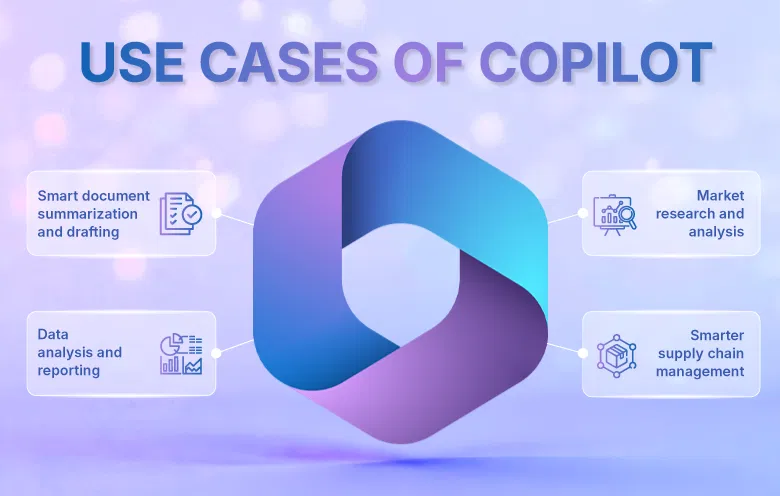
Unlike a standalone AI tool, Copilot does not ask you to paste in context or switch between apps. It works where you already are. Ask it to summarize last week's client emails, draft a proposal based on your last meeting, or build a chart from your spreadsheet data - and it does it instantly.
For small and mid-sized businesses, this translates to real hours saved every week, across every person on your team.

Inside the apps your team uses all day.
Copilot integrates natively with every major Microsoft 365 application. There is nothing new to install or learn. It shows up right inside the tools your team already has open.
Your data stays yours. Period.
One of the most common questions we hear from clients is whether it is safe to use AI with company data. With Microsoft Copilot, the answer is yes, and here is exactly why.
Security Points:
Your existing permissions apply Copilot only surfaces information a user already has access to. It follows your Microsoft 365 security rules exactly and does not bypass anything.
Your data is never used to train AI Microsoft does not use your company's emails, files, or Teams chats to train its AI models. Your information stays inside your Microsoft 365 tenant.
Enterprise compliance built in Data Loss Prevention, Conditional Access, sensitivity labels, and retention policies all carry over. Copilot inherits your compliance framework automatically.
No data leaves your environment Copilot works entirely within your Microsoft 365 tenant. It does not copy, move, or store your content outside the environment you already control.
Here is what a typical workday looks like once your team has Copilot up and running.
Timeline:
8:30 AM - Morning / Inbox under control in 5 minutes Copilot in Outlook surfaces the emails that actually need a response, summarizes a lengthy thread from yesterday, and drafts a professional reply ready for you to review and send.
10:00 AM - Meeting / Automatic notes and action items Copilot in Teams transcribes the call in real time, captures decisions, and delivers a structured summary with assigned action items the moment the meeting ends. No one has to take notes.
1:00 PM - Proposal Time / First draft written in minutes Open Word, describe the proposal in a sentence, and Copilot generates a structured first draft using context from your past files and meeting notes. You edit rather than start from scratch.
3:30 PM - Reporting / Data analysis without the formula headache Ask Copilot in Excel to show you which clients have grown the most this quarter, in plain English. It analyzes the data, builds the chart, and explains what it found.

Schedule a free consultation with our team. We will review your current Microsoft 365 setup and show you exactly what Copilot can do for your organization.
(858) 255-1271